
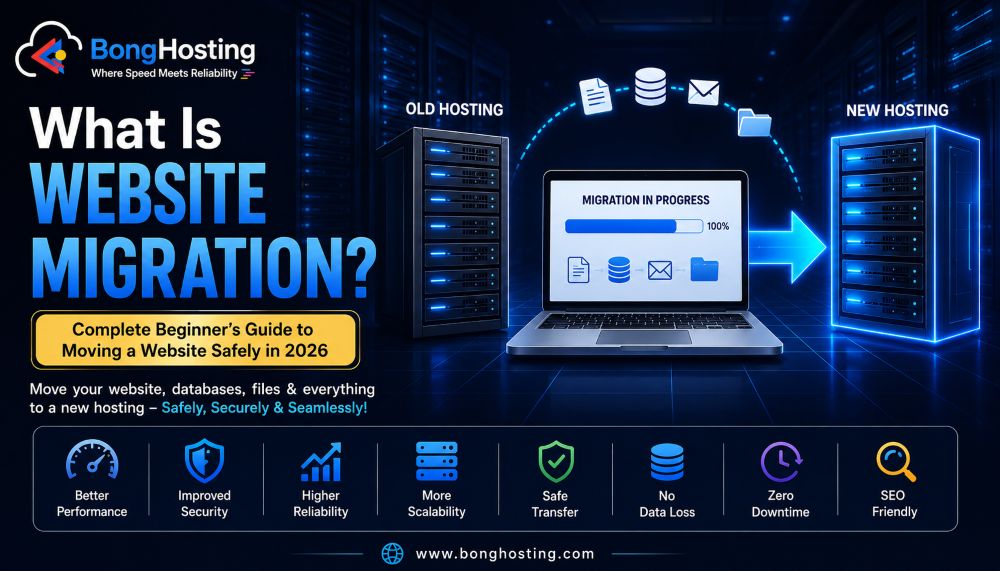
What Is Website Migration? Complete Beginner’s Guide to Moving a Website Safely in 2026
Website migration is one of the most important processes in web hosting and website management.
Many beginners feel nervous when they hear the word “migration” because they think moving a website is extremely complicated or risky. In reality, website migration is very common in the modern hosting industry.
Businesses migrate websites for many reasons:
- Better hosting performance
- Faster loading speed
- Improved security
- Lower hosting cost
- Better scalability
- New domain name
- Website redesign
- Server upgrades
In 2026, modern websites are constantly evolving, and migration has become a normal part of maintaining a successful online presence.
However, poor migration can create serious problems such as:
- Website downtime
- SEO ranking loss
- Broken pages
- Missing files
- Database errors
- Security issues
That is why understanding website migration is extremely important for beginners.
In this complete guide, you will learn:
- What website migration means
- Different types of migrations
- Why websites migrate
- SEO risks during migration
- Common beginner mistakes
- Step-by-step migration process
- Website backup importance
- Migration tools
- Pro migration tips
Let’s understand everything step-by-step.
What Is Website Migration?

Website migration means moving a website from one environment to another.
This may include:
- Moving to a new hosting provider
- Changing servers
- Migrating domains
- Switching CMS platforms
- Upgrading infrastructure
- Redesigning websites
The goal of migration is usually to:
- Improve performance
- Increase reliability
- Enhance security
- Expand website capabilities
Website migration can involve:
- Website files
- Databases
- DNS settings
- Email accounts
- SSL certificates
- Server configurations
Why Do Websites Need Migration?
There are many reasons why website owners migrate websites.
Better Hosting Performance
Many beginners start with cheap hosting.
As traffic grows, websites may become:
- Slow
- Unstable
- Overloaded
Migration helps move the website to stronger hosting infrastructure.
Improved Security
Old hosting systems may lack:
- Firewall protection
- Malware scanning
- Advanced security
Migration allows websites to move to safer environments.
Lower Downtime
Reliable hosting providers usually offer:
- Better uptime
- Redundant infrastructure
- Faster servers
Website Redesign
Businesses often redesign websites during migration.
This may involve:
- New themes
- New layouts
- New CMS platforms
Domain Name Change
Some companies rebrand and move websites to new domains.
Types of Website Migration

Hosting Migration
Moving a website from one hosting company to another.
Example:
- Shared hosting → Cloud hosting
Server Migration
Moving website data between servers.
This may happen for:
- Performance upgrades
- Infrastructure changes
Domain Migration
Changing website domain names.
Example:
- oldsite.com → newsite.com
CMS Migration
Switching content management systems.
Example:
- Blogger → WordPress
- Joomla → WordPress
HTTP to HTTPS Migration
Enabling SSL security and secure connections.
Data Center Migration
Moving websites to a different geographic server location.
This improves:
- Speed
- Latency
- User experience
What Happens During Website Migration?

Website migration usually involves several technical steps.
Backup Creation
Before migration:
- Full backups are created
This includes:
- Files
- Databases
- Emails
- Configurations
File Transfer
Website files are transferred to the new server.
Database Migration
Databases are exported and imported safely.
DNS Update
DNS settings point the domain to the new hosting server.
Testing
The migrated website is tested for:
- Broken pages
- Missing images
- Database errors
- Speed issues
SEO Risks During Website Migration

Website migration can affect SEO if handled incorrectly.
Broken URLs
Changed URLs may create:
- 404 errors
- Lost rankings
Missing Redirects
Without 301 redirects:
- SEO authority may drop
Downtime Problems
Search engines may detect:
- Server errors
- Unavailable pages
Slow Website Performance
Poor migration may reduce:
- Loading speed
- Core Web Vitals performance
How to Migrate a Website Safely

Create Full Backup
Always create:
- File backup
- Database backup
- Email backup
before migration.
Choose Reliable Hosting
Use quality hosting with:
- Good uptime
- Fast support
- Migration assistance
Test Before Going Live
Use staging or temporary URLs for testing.
Monitor SEO Performance
Track:
- Rankings
- Traffic
- Indexing
- Crawl errors
after migration.
Use 301 Redirects
Redirect old URLs properly.
Common Website Migration Mistakes
No Backup
Without backups, data loss becomes dangerous.
Ignoring SEO
Many beginners forget:
- Redirects
- Sitemap updates
- Search Console monitoring
Migrating During High Traffic
Migration during busy periods may affect customers.
Choosing Cheap Hosting Again
Poor hosting may recreate old problems.
Not Testing the Website
Broken links and missing pages may go unnoticed.
Website Migration Tools
Modern migration tools simplify the process.
WordPress Migration Plugins
Popular plugins:
- All-in-One WP Migration
- Duplicator
- UpdraftPlus
Hosting Migration Services
Many hosting providers offer:
- Free migration
- Expert migration support
Backup Tools
Backup solutions help protect data before migration.
Shared Hosting vs Cloud Hosting Migration
Shared Hosting
Affordable but limited resources.
Cloud Hosting
Offers:
- Better scalability
- Improved uptime
- Faster performance
Many growing websites migrate to cloud hosting.
Benefits of Website Migration

Faster Website Speed
Modern hosting improves loading performance.
Better Security
Advanced hosting includes:
- Malware protection
- Firewall systems
- DDoS protection
Improved SEO
Better speed and uptime improve technical SEO.
Better Scalability
Websites can handle more visitors.
Improved User Experience
Fast and reliable websites create happier visitors.
Pro Tips for Successful Website Migration
- Always backup first
- Test website carefully
- Use staging environment
- Monitor SEO after migration
- Keep old hosting active temporarily
- Update DNS carefully
- Monitor website uptime
- Use professional migration support if needed
Future of Website Migration in 2026
Modern migration technology is evolving quickly.
New technologies include:
- AI-assisted migration
- Automated backups
- Smart rollback systems
- Cloud-native migration
- Zero downtime deployment
- Automated DNS switching
Migration is becoming safer and faster than ever.
Conclusion
Website migration is an essential part of modern website management.
Whether you:
- Upgrade hosting
- Improve security
- Change domains
- Scale your business
- Redesign your website
proper migration planning is extremely important.
A successful migration helps:
- Improve speed
- Enhance SEO
- Increase uptime
- Protect website data
- Improve user experience
In 2026, understanding website migration is a valuable skill for every website owner, blogger, business, and developer.
Start today with BongHosting.

